月度预估
2026年10月
396.7万
预估下载量
-0.5%环比
US$18.0万
预估收入
-10.6%


这里汇总了 Google Play 商店信息,以及 SocialPeta 监测到的广告投放数据
商店情报
以下信息取自当前商店市场,包括开发者、版本、价格和分类
供应商 / 开发者
QR Code Scanner.
市场表现
查看 Document Reader & PDF Editor 最近一个完整月份的预估下载、收入和上架市场
月度预估
2026年10月
396.7万
预估下载量
US$18.0万
预估收入
产品信息
查看应用在商店中的介绍和官方截图
限时内容
查看 Document Reader & PDF Editor 最近在商店发布的活动和开放时间

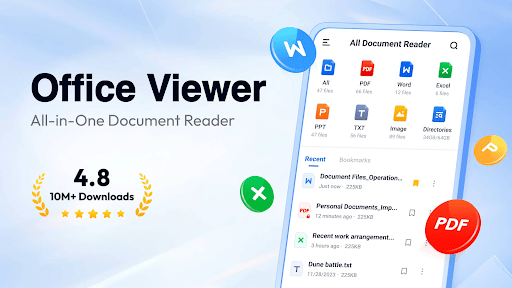
Missing a screenshot in your report or a photo in your application? Document Reader helps you insert images directly into your Pdf without rebuilding the whole file. Open your Pdf, choose a picture from your gallery or take a new one with your camera, then insert it onto the page. Move and resize it until it fits your layout. Save the updated Pdf with the details you need, all in one place. Try it today!
版本记录
查看 Document Reader & PDF Editor 各版本的更新时间和商店描述
版本
1.3.5.83更新时间
描述
排名预览
这里显示 美国 市场近 30 天的排名,完整日线和更多分类可在 SocialPeta 中查看
免费榜
当前排名
#24
近 30 天最佳: #14
上期排名: #25
2026年11月22日
畅销榜
相关应用
按品类、开发者和相似投放查找更多应用
Google Play
相关应用
Google Play
相关应用
广告情报
以下是 SocialPeta 近 30 天监测到的渠道、国家和广告素材量
1,142
近 30 天监测素材量
1,539
累计监测活跃天数
样本素材
浏览近期监测到的图片、视频、轮播和试玩广告
AKRURA PTE. LTD.
 Googleplay
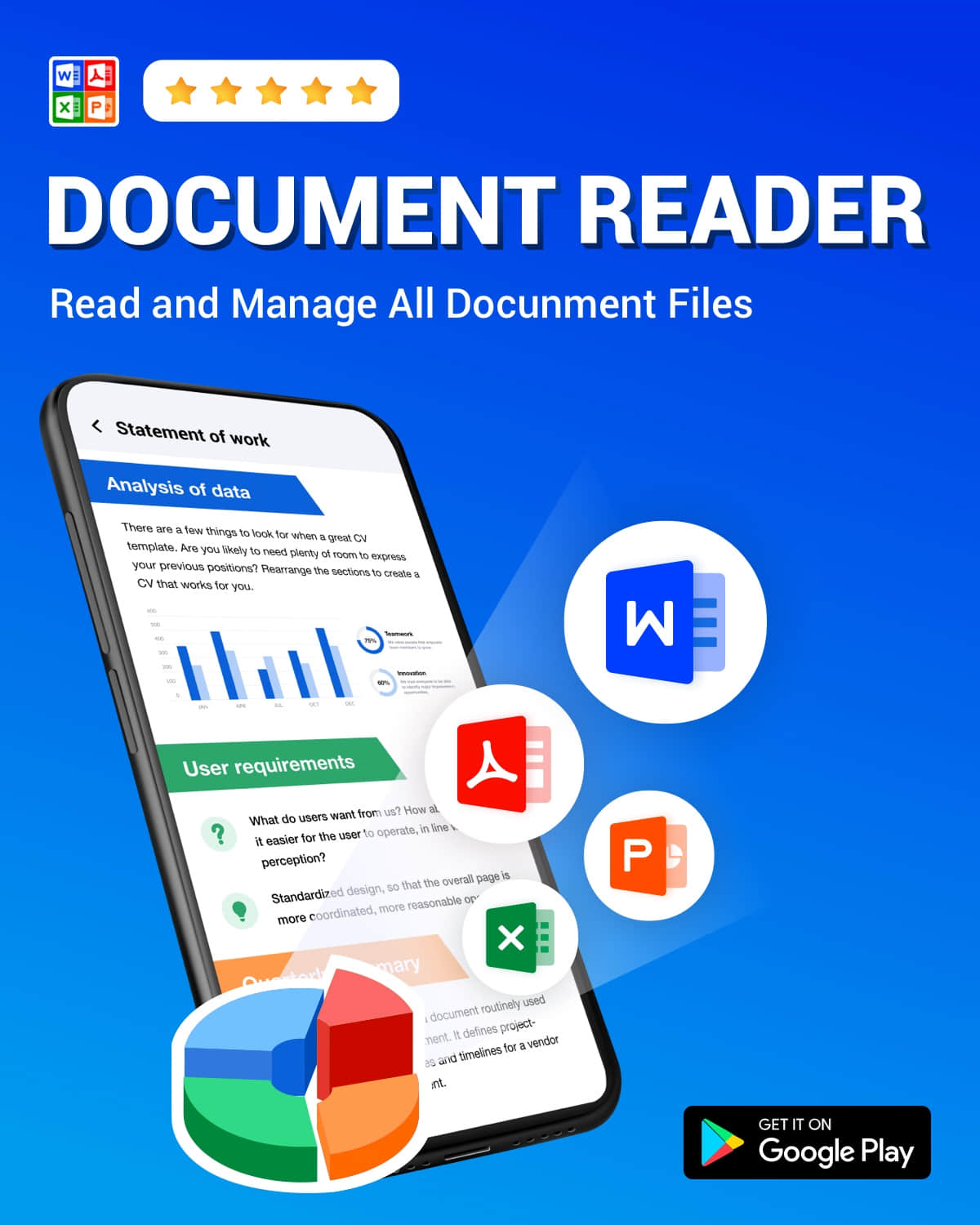
한글뷰어 - PDF, Word, 엑셀, PPT, TXT 한글 파일, 오피스 스위트 파일을 빠른 읽으세요 모든 와 문서 리더.
AKRURA PTE. LTD.
Googleplay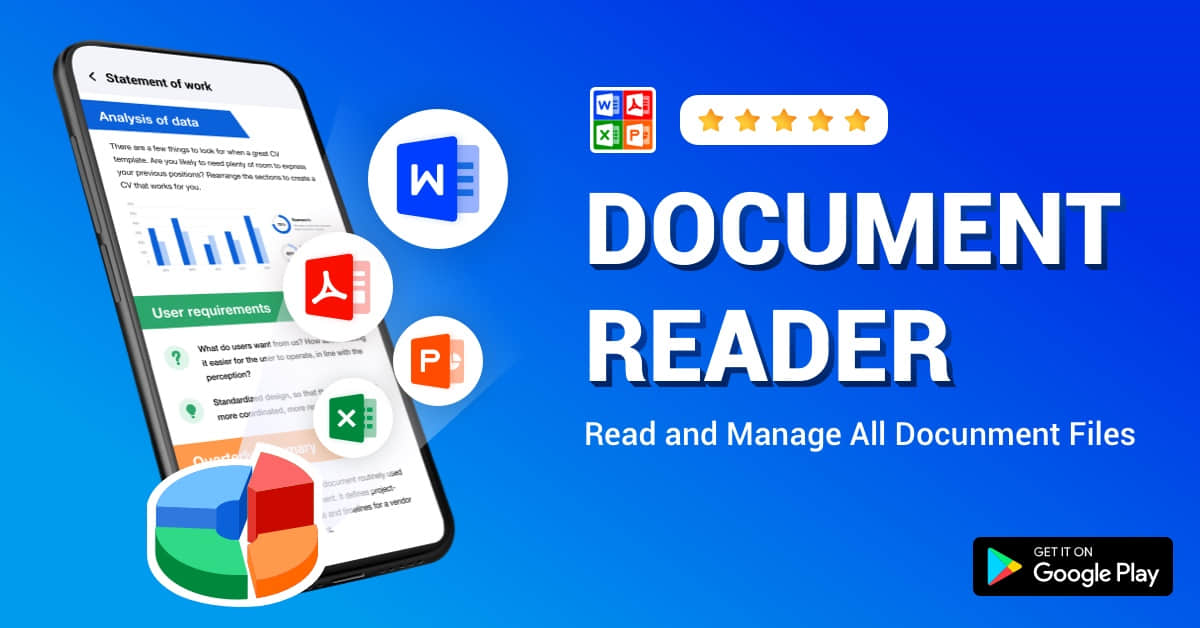
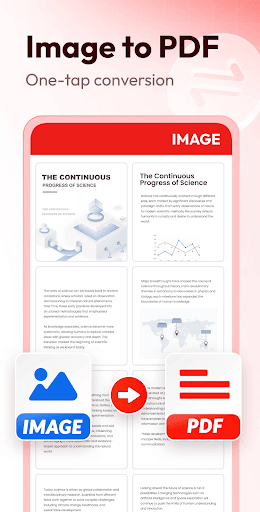
All-in-One Document Reader & PDF Editor: Read all files, Convert images to PDF
AKRURA PTE. LTD.
Googleplay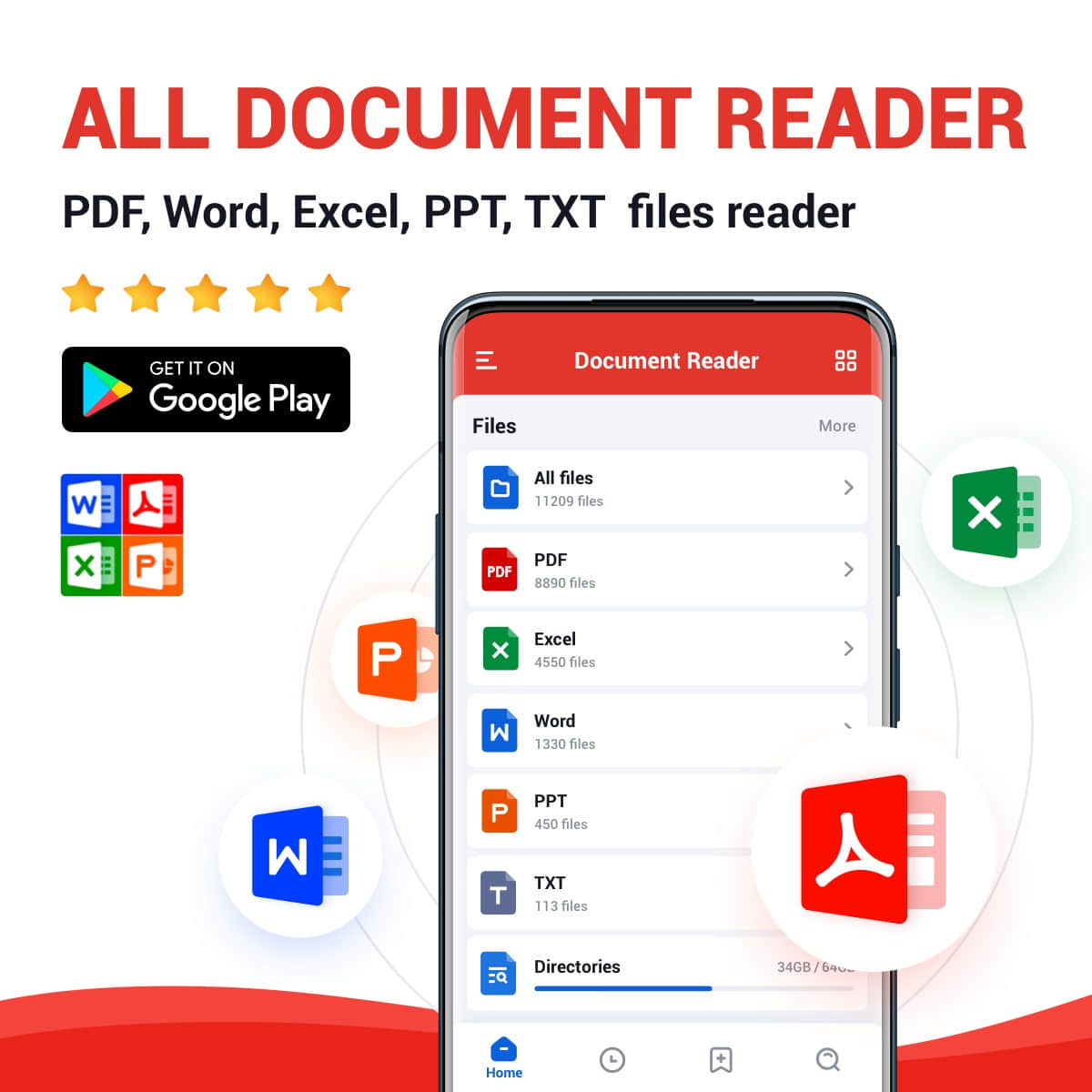
All-in-One Document Reader & PDF Editor: Read all files, Convert images to PDF
AKRURA PTE. LTD.
 AdMob
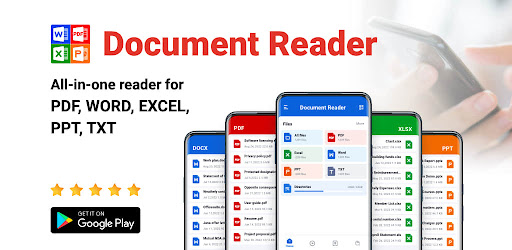
All-in-One Document Reader & PDF Editor: Read all files, Convert images to PDF
AKRURA PTE. LTD.
AdMob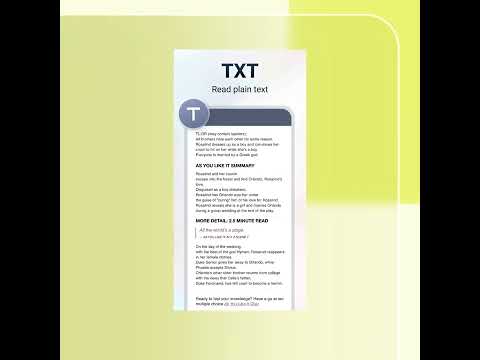
All-in-One Document Reader & PDF Editor: Read all files, Convert images to PDF
AKRURA PTE. LTD.
 YouTube
All-in-One Document Reader & PDF Editor: Read all files, Convert images to PDF
AKRURA PTE. LTD.
YouTube
All-in-One Document Reader & PDF Editor: Read all files, Convert images to PDF
AKRURA PTE. LTD.
YouTube
All-in-One Document Reader & PDF Editor: Read all files, Convert images to PDF
AKRURA PTE. LTD.
YouTube
该样本暂无可公开展示的广告文案
AKRURA PTE. LTD.
YouTube
All-in-One Document Reader & PDF Editor: Read all files, Convert images to PDF
AKRURA PTE. LTD.
YouTube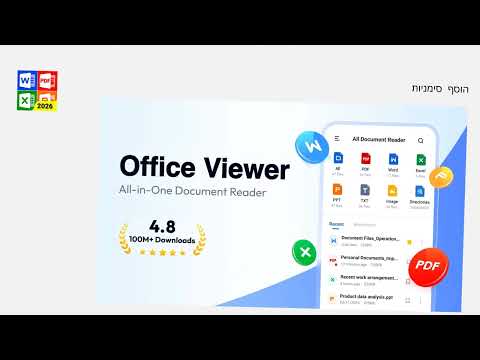
该样本暂无可公开展示的广告文案
AKRURA PTE. LTD.
YouTube
All-in-One Document Reader & PDF Editor: Read all files, Convert images to PDF
AKRURA PTE. LTD.
YouTube
All-in-One Document Reader & PDF Editor: Read all files, Convert images to PDF
AKRURA PTE. LTD.
YouTube
All-in-One Document Reader & PDF Editor: Read all files, Convert images to PDF
AKRURA PTE. LTD.
YouTube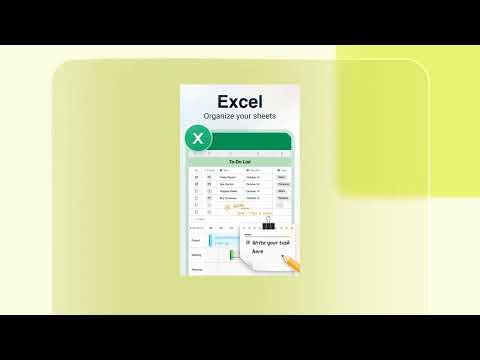
All-in-One Document Reader & PDF Editor: Read all files, Convert images to PDF
AKRURA PTE. LTD.
YouTube
All-in-One Document Reader & PDF Editor: Read all files, Convert images to PDF
AKRURA PTE. LTD.
YouTube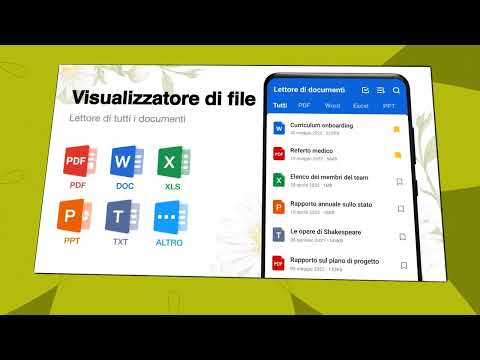
All-in-One Document Reader & PDF Editor: Read all files, Convert images to PDF
AKRURA PTE. LTD.
AdMob
All-in-One Document Reader & PDF Editor: Read all files, Convert images to PDF
更多数据
登录 SocialPeta 后可查看完整趋势、素材分析、受众分布和历史数据,也可以筛选或导出结果
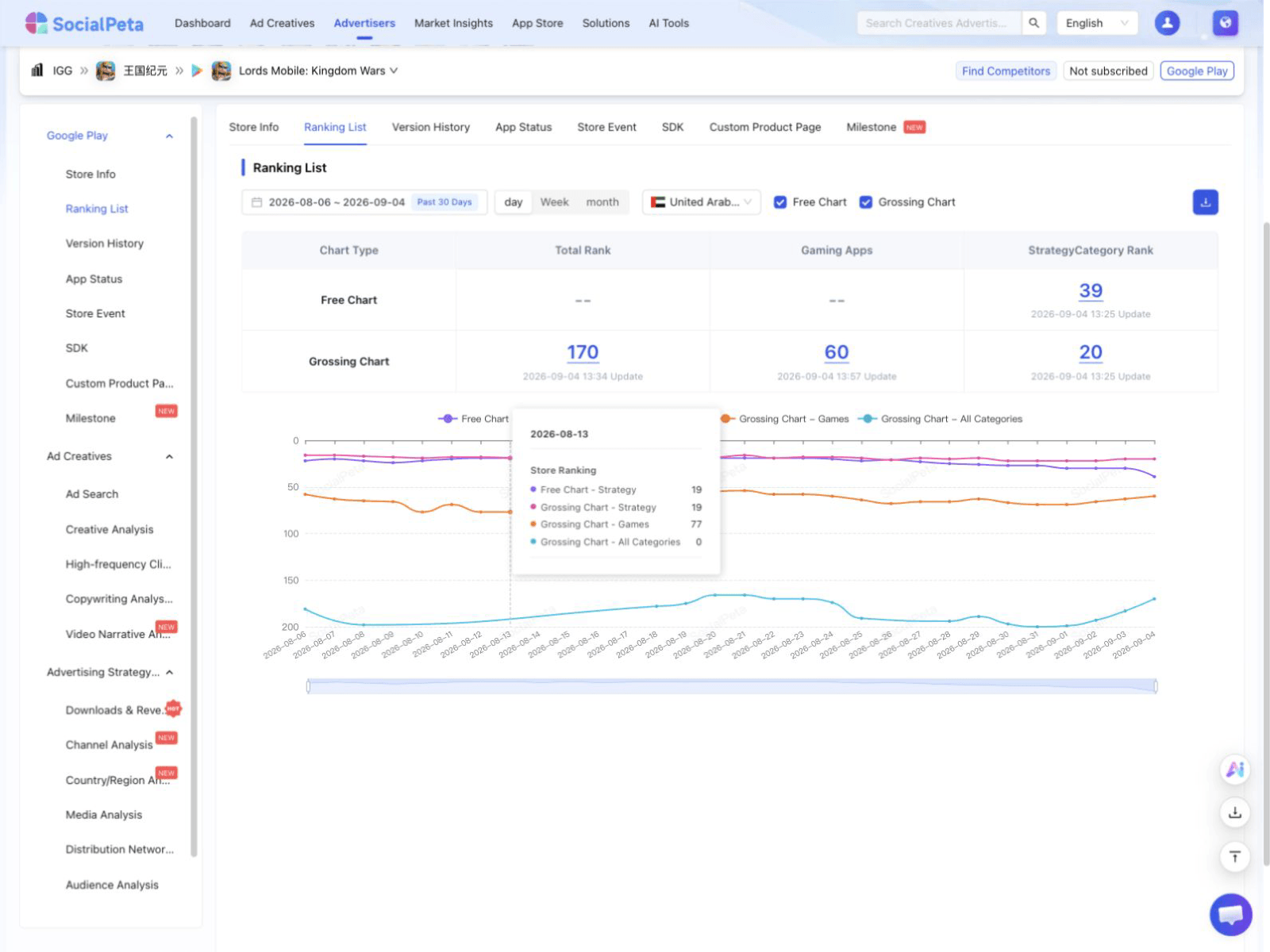 产品界面预览
查看每日排名曲线,并对比不同分类和市场
广告数据仅包含 SocialPeta 监测到的活动,不等同于广告主的全部投放。商店信息取自当前数据市场,付费数据不会写入本页
公开数据更新于 2026年11月23日
首次上架
2022年7月29日
当前版本
1.3.5.83
价格
0.00
应用内购买
支持
年龄分级
Everyone
数据市场
美国
商店分类与细分分类
下载量与收入为 SocialPeta 基于公开及监测数据生成的预估值,不代表商店官方结算数据
商店覆盖
46
已上架市场
暂无预订市场记录
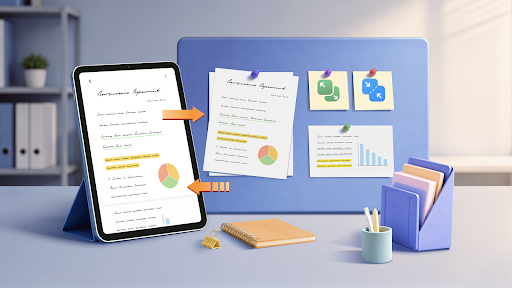
Ever spent extra time copying and rearranging PDF-pages? Document Reader lets you merge and split PDF-files with ease. Combine reports, receipts, or lecture notes into one PDF-file, and keep related documents together. Need only part of a file? Select the exact pages you want and split them into separate files, with the original left untouched. Start sorting your PDF-files with greater efficiency today!
前往活动页面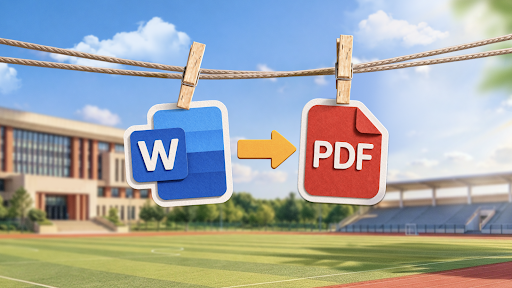
Ready to submit, but need your files in Pdf format? This application season, Document Reader helps you convert Word documents to PDFs in just one tap. Open the converted Pdf to review or edit it, then share the file when you're ready. Whether it's a personal statement, resume, or writing sample, prepare your application materials for submission with ease.
前往活动页面
Document Reader gives paper notes, exam pages, book excerpts, and contracts an organized digital home. Capture each page, automatically detect and crop the edges, then apply filters for clearer scans. Scan multiple pages, arrange them in order, and export one PDF-file. Digitize study materials and important documents so they're ready to view or send anytime.
前往活动页面
Want to share a Word document without worrying about formatting changes? With Document Reader, convert Word reports, resumes, and applications into high-quality pdfs while preserving original formatting and layout. Preview the final pdf before sharing, so every document stays consistent across devices.
前往活动页面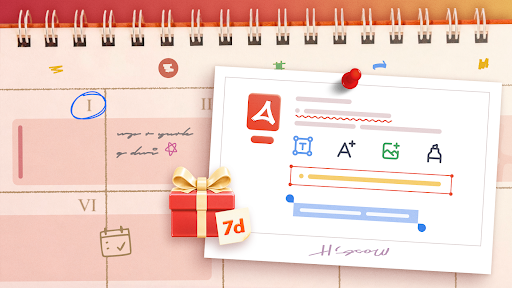
Found a typo in a pdf contract or report right before sending? No need to redo the whole document. Document Reader allows you tap original pdf text to make corrections, fine-tune the font and size, and save—all without starting over. Polishing a pdf document becomes easier than ever. Start your 7-day free trial today and enjoy easy pdf editing from now on.
前往活动页面
Struggling with piles of handouts and scanned materials in the new semester? Make Document Reader your assistant to manage your study materials. Now the new page management feature allows you to preview and rearrange PDF-pages by long-pressing and dragging, as well as rotate, extract, batch-delete and insert blank pages and images. Use new feature to organize PDFs with ease this semester!
前往活动页面
Create blank PDFs your way with Document Reader's new Create Pdf feature. Customize your page layout, file name, and page count to build a pdf that fits your needs. Whether you're taking notes, sketching ideas, or listing tasks, easily add text, drawings, and images to personalize each page and keep your thoughts organized.
前往活动页面
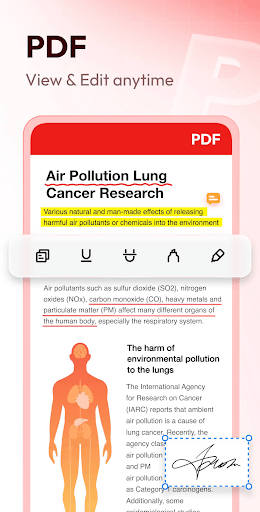
Document Reader keeps your holiday reading close, from ebooks and research papers to study guides. Highlight memorable quotes, underline key arguments, and draw freehand notes when an idea sparks. Each mark helps you return to important passages, connect your thoughts, and turn a crowded reading list into a personal trail of insight. Read slowly, mark freely, and enjoy your summer holiday with reading now!
前往活动页面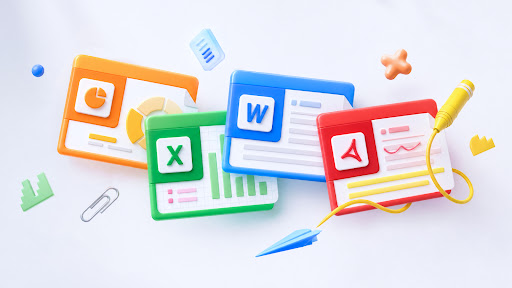
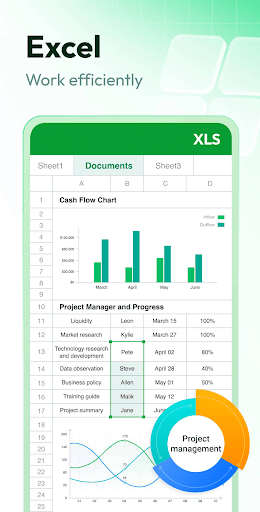
Document Reader makes half-year reviews faster and more efficient. Open pdf, Word, Excel, and ppt files in one place — search keywords to jump straight to critical data without endless scrolling or switching apps. Add notes, highlight critical numbers, and mark key milestones directly on pdfs, turning scattered documents into a polished recap in minutes. Simplify your half-year review workflow right now!
前往活动页面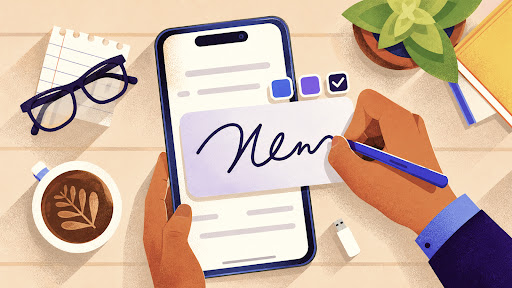
An important PDF-document often needs your signature in more than one place. Document Reader's new signature feature helps you sign every required spot quickly and easily. Whether you're working from home or on the go, save your signature in advance for quick access, or draw a new one directly on the screen whenever needed. Go paperless and stay a step ahead — try a smarter way to sign today.
前往活动页面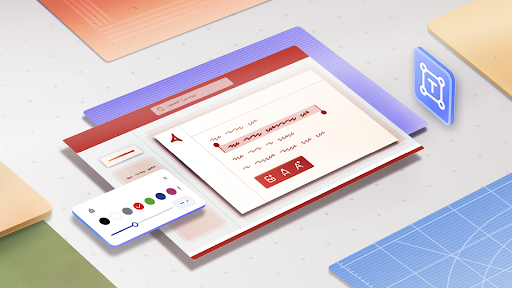
Whether it's signing a contract on the go or updating a form at home, All Document Reader handles pdf edits on your phone without switching apps. Easily edit pdf text, mark up pages with notes, insert images, and add your signature in seconds — all in one place, turning your phone into a mobile office wherever you go. Start your paperless workflow today and keep tasks moving forward without delay.
前往活动页面版本
1.3.4.80更新时间
描述
版本
1.3.3更新时间
描述
版本
1.3.2更新时间
描述
版本
1.3.1更新时间
描述
版本
1.3.0.75更新时间
描述
版本
1.2.9.72更新时间
描述
版本
1.2.8.70更新时间
描述
版本
1.2.7更新时间
描述
版本
1.2.5更新时间
描述
当前排名
#41
近 30 天最佳: #38
上期排名: #41
2026年11月22日
Google Play
相关应用
Google Play
相关应用

Google Play
相关应用
Google Play
相关应用

Google Play
相关应用
Google Play
相关应用
Google Play
相关应用
Google Play
相关应用
10
监测到的广告渠道
223
监测到的国家与地区
另监测到 7 个分组
另监测到 220 个分组
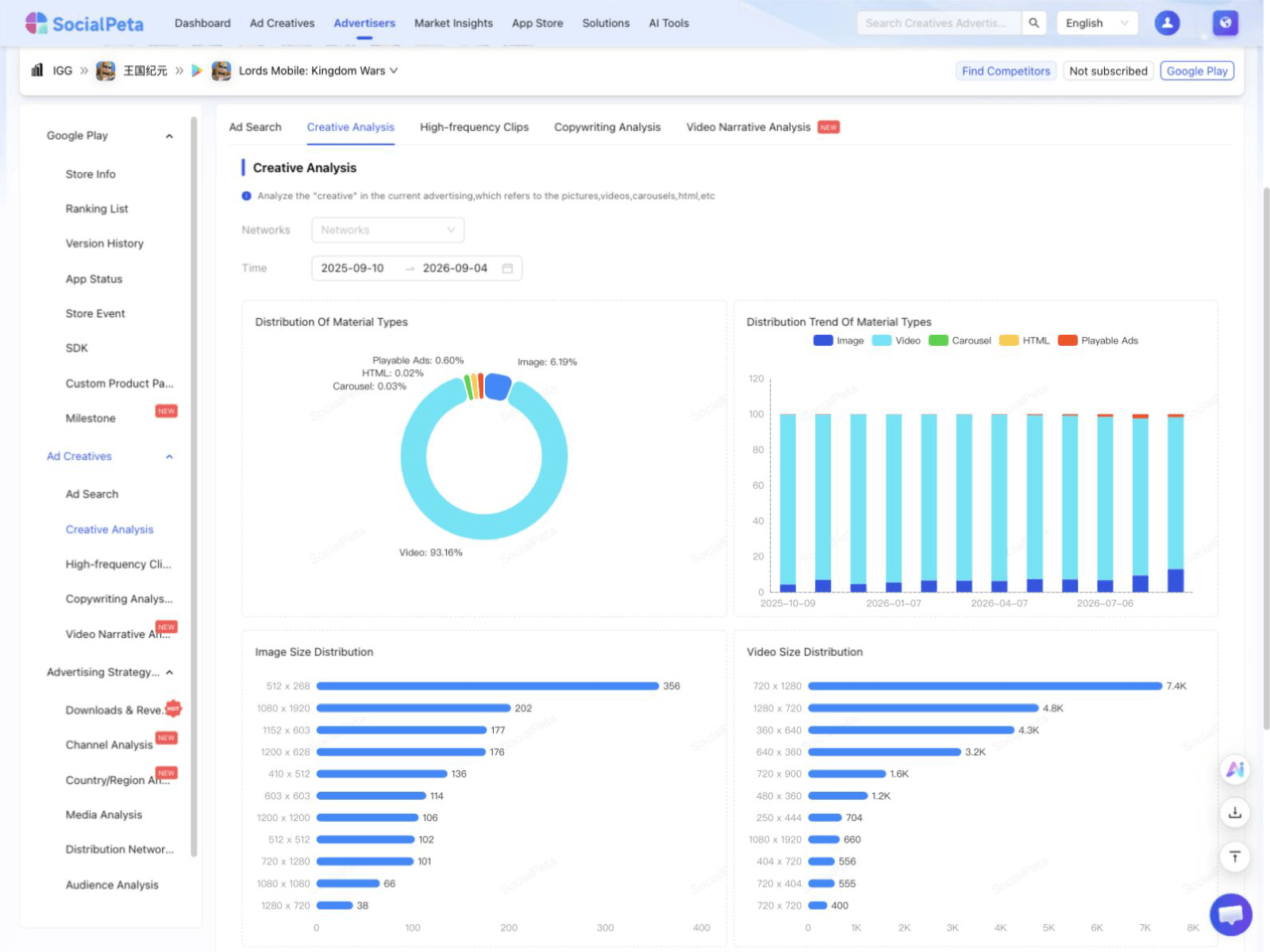 产品界面预览
按形式、尺寸和时长分析素材,也可查看常用片段与文案
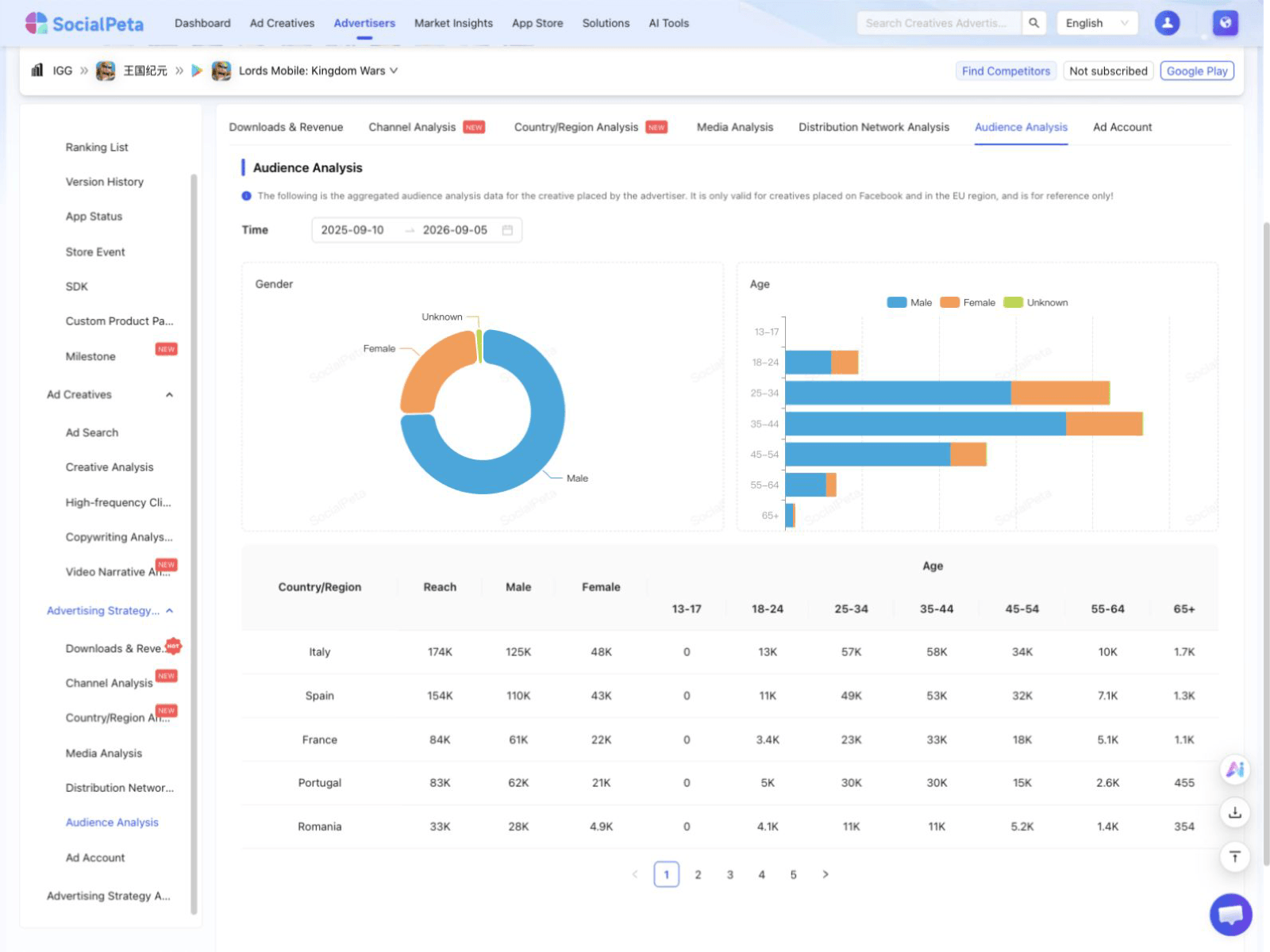 产品界面预览
查看受众、媒体、网盟、渠道、国家和分发平台
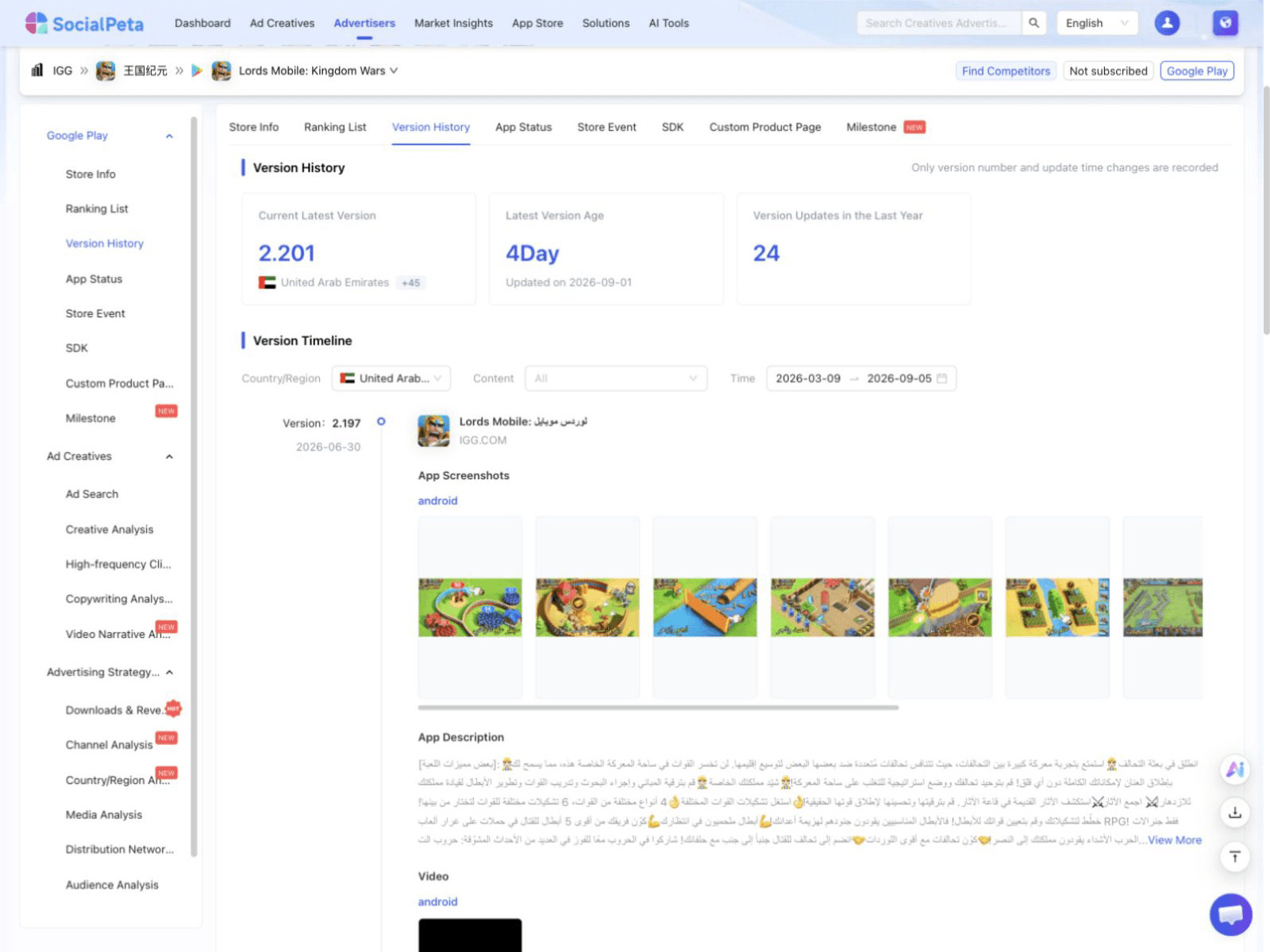 产品界面预览
查看版本、上架状态、商店活动、SDK 和自定义产品页的历史记录